
The Phone Number Field That Needs a Reason
A required phone number can look invasive unless the page explains the delivery, fraud, appointment, or support reason for asking.
Checkout recovery guide
Complete delivery and payment details carefully, recover from broken checkout flows, and avoid duplicate orders or mixed saved addresses.
Begin here
A required phone number can look invasive unless the page explains the delivery, fraud, appointment, or support reason for asking.
More in this route

Address fields should help buyers describe apartments, suites, and building details without making optional information feel mandatory.

Checkout forms should state what is required and optional before the buyer learns through errors.

An error message should identify the field, preserve entered data, and tell the buyer what to change next.
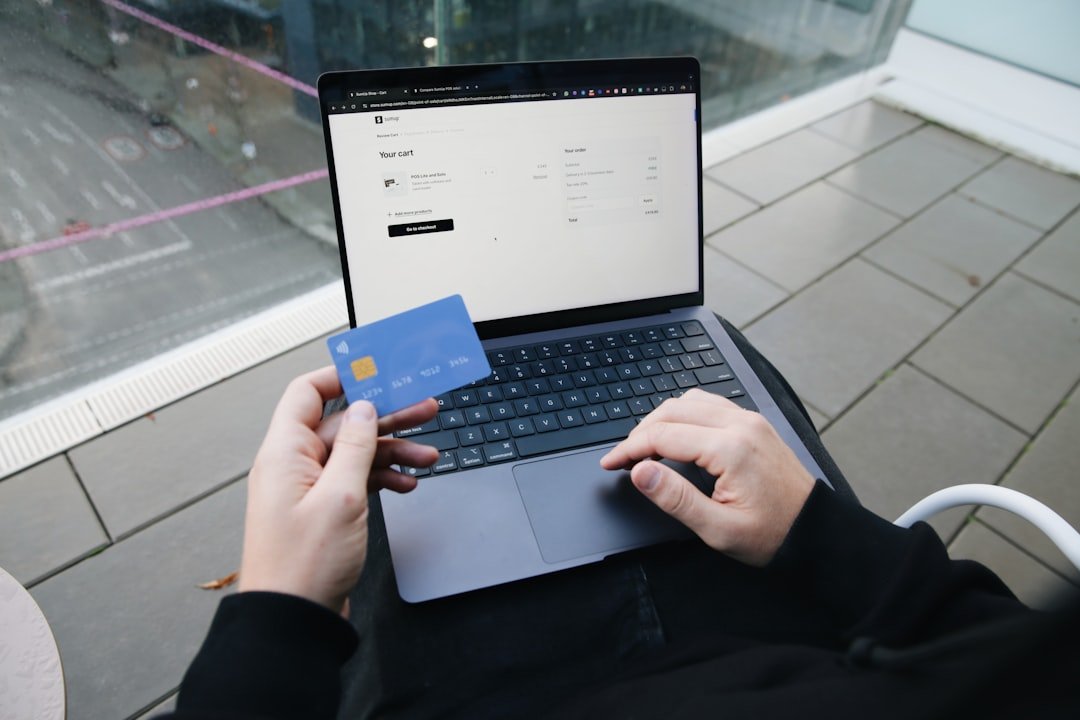
Restricted fields feel calmer when the screen formats input in the way buyers already recognize from cards, phones, and addresses.

Losing entered data after an error makes the page feel punishing and can turn a small issue into abandonment.

A frozen confirmation screen does not always mean payment failed, and repeating the order can create duplicate charges or deliveries.

Autofill can combine an old postcode, work address, apartment number, or recipient name into an order that looks complete at a glance.
Nearby shopping routes
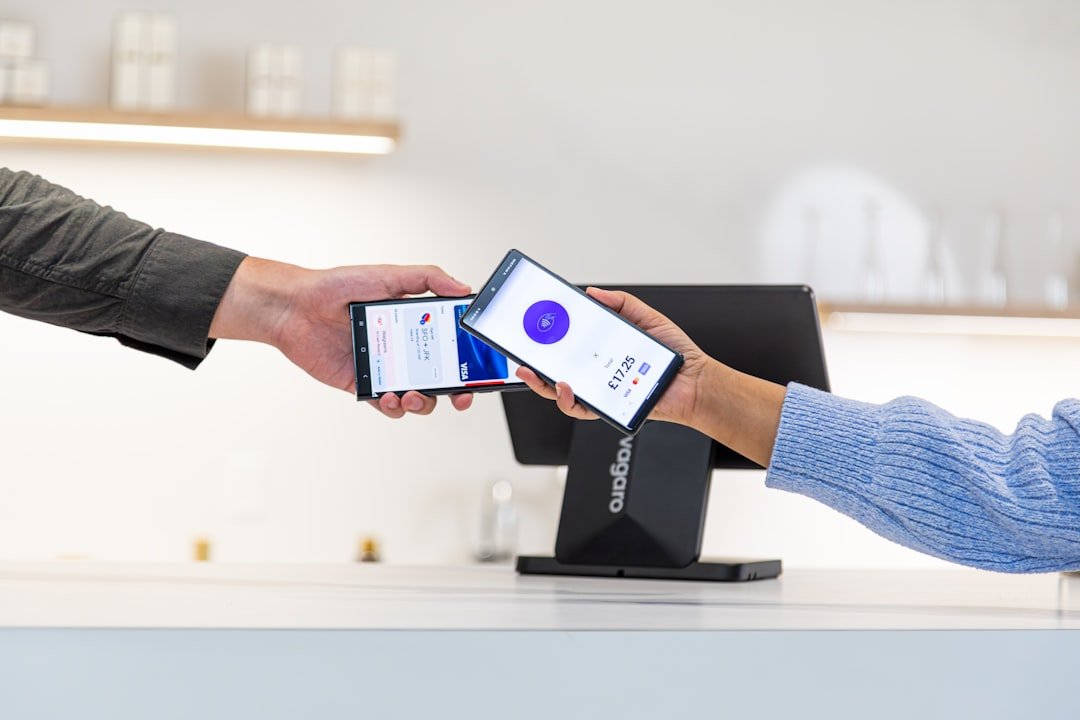
Compare the amount that actually leaves the account, including delivery, memberships, promo conditions, returns, and add-ons.
Decide when an account earns its place, what information it keeps, and which marketing or saved-payment settings can be switched off.
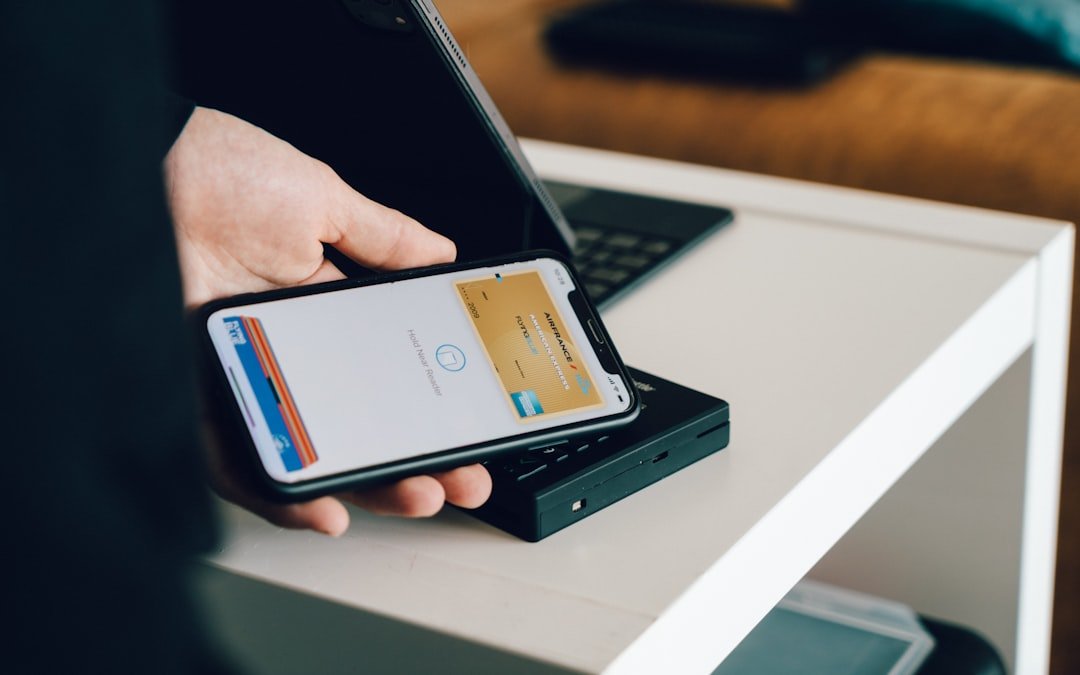
Choose a payment route with the right record and recovery path, and verify who is receiving the money before entering details.

Compare the complete handoff, understand return costs, and keep the evidence needed for late, damaged, missing, or incorrect orders.

Make the first charge, renewal rhythm, cancellation route, and proof of exit visible before a recurring service becomes background noise.