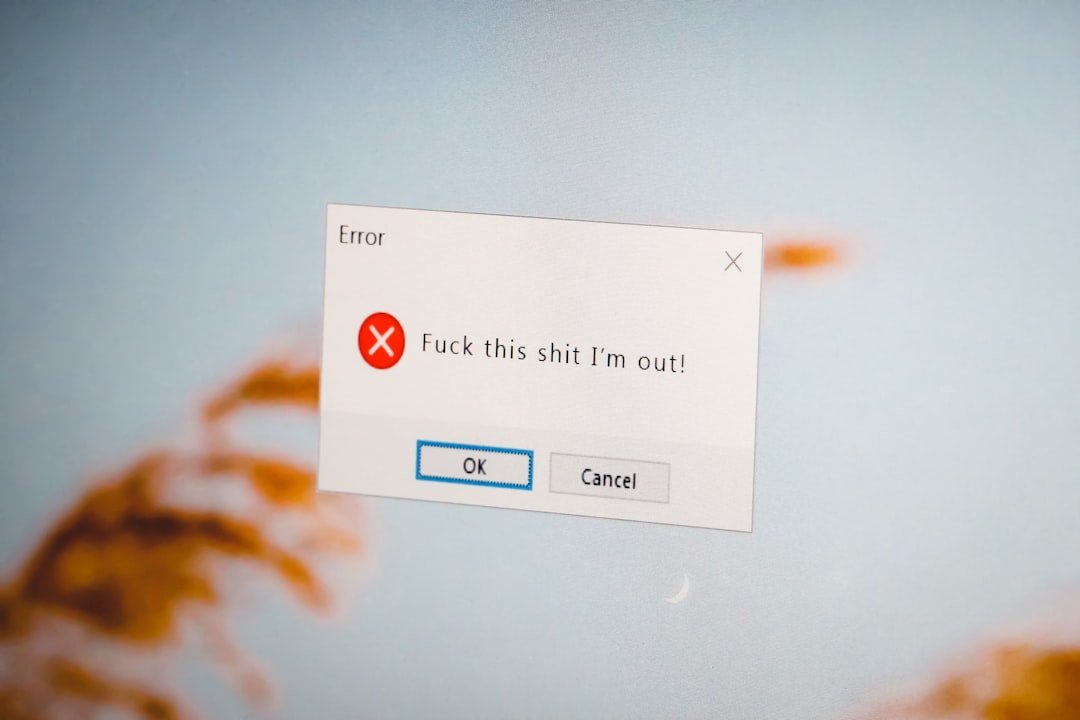
Use this note when a failed validation or reload erases buyer effort. At this point the buyer is not asking for more excitement; they are asking whether the path is still safe, understandable, and worth finishing.
The useful question is whether the final price, seller, payment route, delivery promise, return path, and future commitment are still clear when the purchase becomes real.
The buyer pauses because a failed validation or reload erases buyer effort.
Do I have to start over because the page made a mistake?
Why this purchase moment matters
When a failed validation or reload erases buyer effort, the page changes the buyer's mental math. A small uncertainty can feel larger because payment, personal data, delivery, or future commitment is now close enough to become real.
Most expensive shopping mistakes are not caused by one dramatic warning. They grow from small details that were easy to skip: the seller identity, a recurring charge, return postage, delivery timing, a saved card, or the absence of a useful order record.
Checks before you continue
- Read the recipient, street, unit, city, postcode, and country as one address.
- Check required and optional fields before sharing extra information.
- Record the exact error text and time when checkout fails.
- Check email, order history, and payment activity before placing the order again.
- Use the retailer's official support route for recovery.
A practical way through
- Correct one field at a time instead of repeatedly resubmitting the whole form.
- Preserve the cart, address, error message, and payment attempt in screenshots without exposing secrets.
- Open order history and email in a separate tab before retrying payment.
- Ask support whether an order number exists before authorizing a replacement order.
- Remove obsolete saved addresses after the purchase is settled.
What not to assume
- Do not place several rapid replacement orders after a frozen confirmation screen.
- Do not send passwords, full card numbers, or one-time codes to support.
- Do not rely on autofill without reading every completed address line.
Prices, policies, rights, stock, payment protection, and retailer terms can change. Confirm current details with the retailer, marketplace seller, payment provider, manufacturer, or appropriate official source before acting.
The first useful check
Preserve completed fields and make the recovery path obvious before asking the buyer to resubmit.
Keep the final order total, seller, confirmation, delivery promise, and any cancellation or return record together until the purchase is settled.