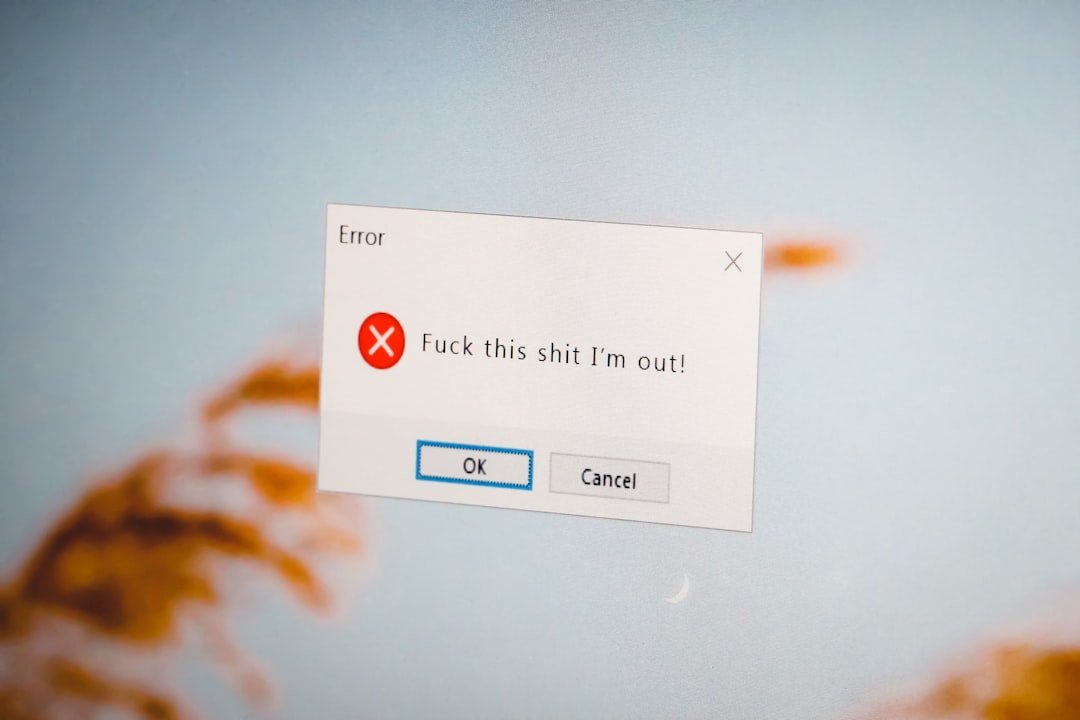
A frozen confirmation screen does not always mean payment failed, and repeating the order can create duplicate charges or deliveries.
The useful question is whether the final price, seller, payment route, delivery promise, return path, and future commitment are still clear when the purchase becomes real.
Did the retailer receive the order even though the final screen failed?
Did the retailer receive the order even though the final screen failed?
Why this purchase moment matters
The confirmation page, retailer order system, and payment authorization are connected but not identical. A browser can time out after the retailer has accepted the order, so the absence of a success message is not proof that nothing happened.
Most expensive shopping mistakes are not caused by one dramatic warning. They grow from small details that were easy to skip: the seller identity, a recurring charge, return postage, delivery timing, a saved card, or the absence of a useful order record.
Checks before you continue
- Look for a confirmation email and order number.
- Check the retailer account or guest-order lookup.
- Review pending card or wallet activity without assuming a pending line is final.
- Record the time and error message.
- Use the retailer's official support route before reordering an expensive item.
A practical way through
- Stop refreshing the payment page.
- Open email and the retailer order history in a separate tab.
- Check whether a payment authorization exists.
- Contact the retailer with the time, amount, and cart details.
- Reorder only after the first attempt is clearly absent or cancelled.
Separate a broken screen from a failed order
The confirmation page, retailer order system, and payment authorization are connected but not identical. A browser can time out after the retailer has accepted the order, so the absence of a success message is not proof that nothing happened.
Pause before repeating the purchase, especially when the item is expensive, limited, or difficult to return.
Check three records
Look for a retailer confirmation email, an order in the account or guest lookup, and a pending payment authorization. Record what each source shows. A pending authorization can still change, so use it as a clue rather than the only answer.
Contact support with a narrow question
Provide the approximate time, amount, item, email used, and any error text. Ask whether an order number exists before asking the agent to create another order. Never send a full card number, password, or one-time code.
Keep the recovery evidence
Save the error screenshot, support conversation, cancellation, and any duplicate-order return instructions. If both attempts later settle, this record makes the retailer or payment-provider conversation much clearer.
What not to assume
- Do not send payment details by ordinary email or chat.
- Do not dispute a charge before checking whether the order exists.
- Do not place several rapid replacement orders to test the page.
Prices, policies, consumer rights, payment protections, stock, and platform terms can change. Confirm current details with the retailer, payment provider, marketplace, manufacturer, or appropriate official source before acting.
The first useful check
Check email, order history, and the payment account before pressing the order button again.
Keep the final order total, seller, confirmation, delivery promise, and any cancellation or return record together until the purchase is settled.