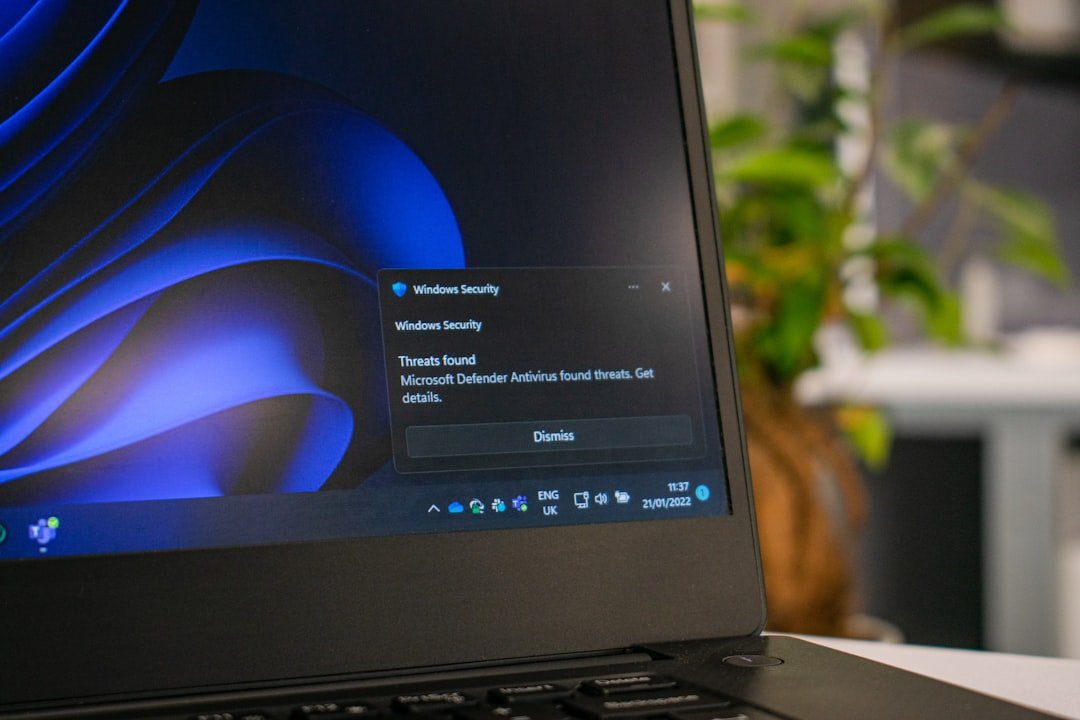
A cancellation is not complete until the account status, effective date, remaining access, and future billing are clear.
The useful question is whether the final price, seller, payment route, delivery promise, return path, and future commitment are still clear when the purchase becomes real.
What record shows that future billing should stop?
What record shows that future billing should stop?
Why this purchase moment matters
Cancellation can mean immediate loss of access, service through the paid term, a scheduled non-renewal, or a temporary pause. Read the final state and effective date so the button label does not become the only evidence.
Most expensive shopping mistakes are not caused by one dramatic warning. They grow from small details that were easy to skip: the seller identity, a recurring charge, return postage, delivery timing, a saved card, or the absence of a useful order record.
Checks before you continue
- Use the official account or support route.
- Read whether cancellation is immediate or end-of-term.
- Check for a final charge, notice period, or equipment return.
- Save the confirmation number and email.
- Review the next statement after cancellation.
A practical way through
- Take a screenshot before confirming the cancellation.
- Complete every confirmation step.
- Export data or receipts needed later.
- Remove optional saved payment details after the account is settled.
- Escalate through the provider and payment route if billing continues.
Name the result you need
Cancellation can mean immediate loss of access, service through the paid term, a scheduled non-renewal, or a temporary pause. Read the final state and effective date so the button label does not become the only evidence.
Check whether hardware, rental equipment, financed items, stored value, or family accounts require an additional step.
Capture the final confirmation
Save the last screen, confirmation email, case number, effective date, and any remaining charge. A screenshot before and after confirmation is useful when the flow uses several similar-looking screens.
Watch one more billing cycle
Review the payment account after the expected final charge. If billing continues, contact the provider with the cancellation record and ask for a written explanation before using the payment provider's dispute route.
Close the account only when settled
Export receipts, personal data, or documents you need. Remove stored payment details where appropriate, but do not delete the account so early that you lose the cancellation status or support history.
What not to assume
- Do not assume pausing is the same as cancelling.
- Do not close the email account used for the subscription before the final confirmation.
- Do not charge back a valid final bill without reviewing the agreement and contacting the provider.
Prices, policies, consumer rights, payment protections, stock, and platform terms can change. Confirm current details with the retailer, payment provider, marketplace, manufacturer, or appropriate official source before acting.
The first useful check
Save the final cancellation screen and confirmation email with the effective date visible.
Keep the final order total, seller, confirmation, delivery promise, and any cancellation or return record together until the purchase is settled.